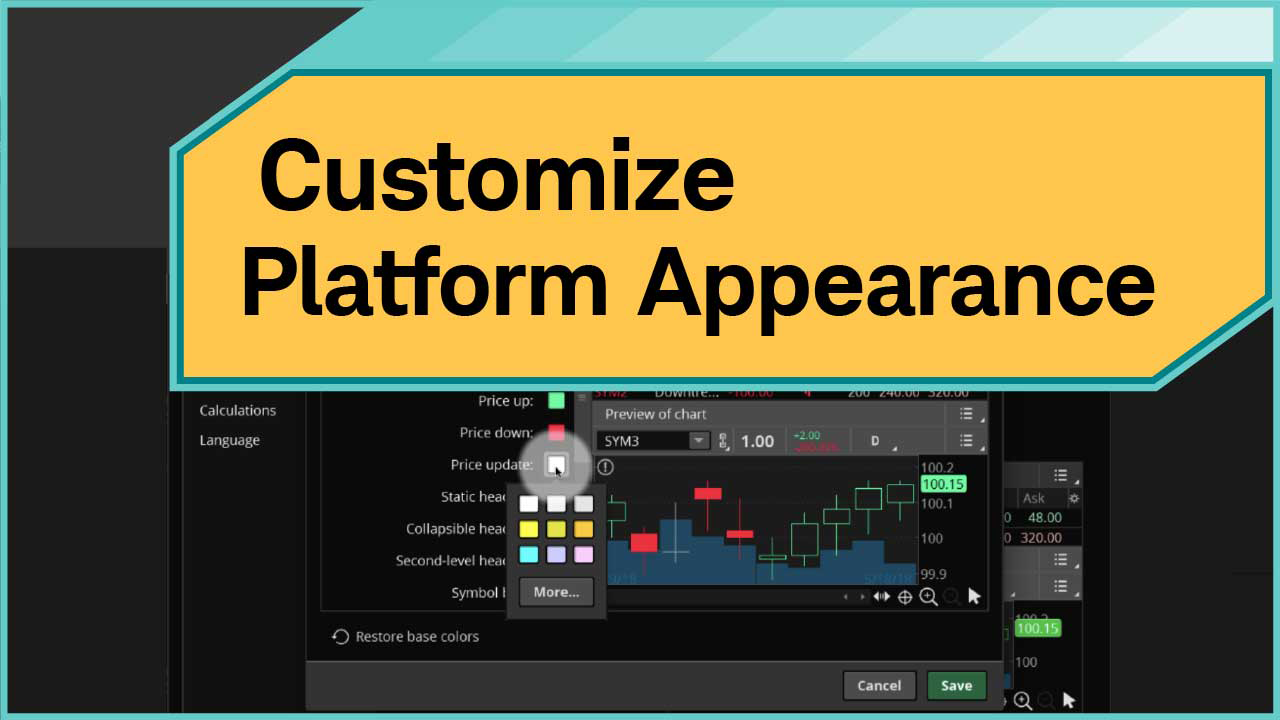
How To Customize Appearance
Adjust color schemes and font size to tailor your thinkorswim® workspace.
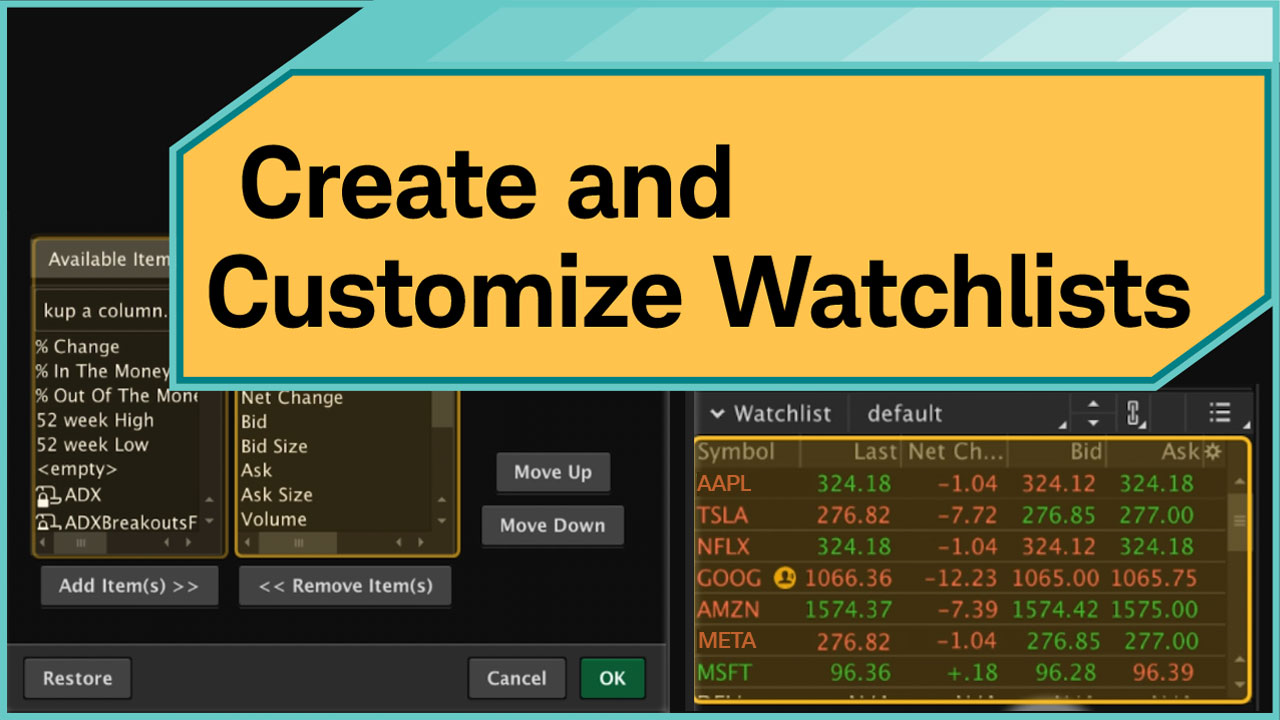
How To Customize Watchlists
Create and organize watchlists to track key symbols and manage your market view.
thinkorswim® Overview
A high-level tour of the most commonly used features of the thinkorswim® trading platform.
How To Buy Stock
Explore how to enter and submit a buy order for stock using the Trade tab.
How To Create Single Leg Options
Explore how to set up and place single-leg options orders on thinkorswim®.
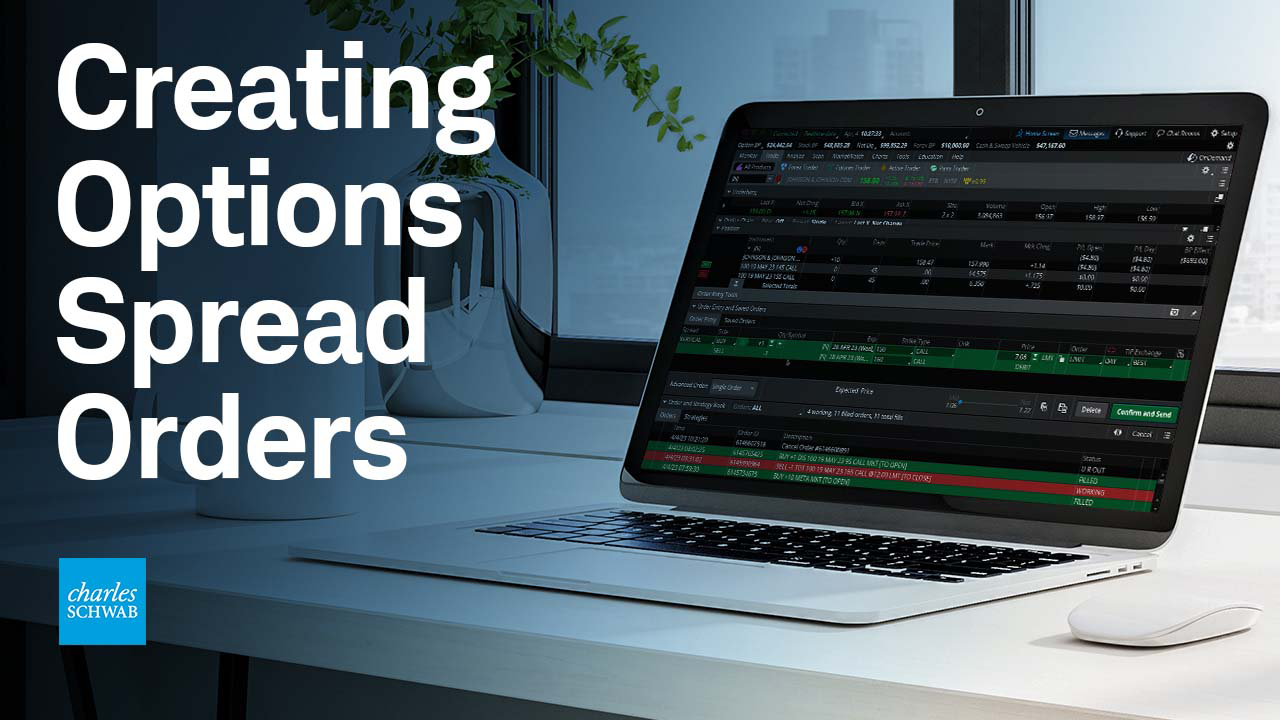
How To Create Spread Orders
Create and place option spread orders using thinkorswim®.
How To Create Stop Orders
Learn how to create, attach, and modify sell stop orders for new and existing positions.
How To Create Trailing Stops
Master trailing stops with dollar, percent, or stop-limit offsets.
How To Set Up Options Trading
Customize option chains, orders, and scan criteria for option trading.
How To Set Up Stock Trading
Customize charts, watchlists, and order templates for your stock-trading workflow.
Practice Options Trading With paperMoney®
Use paperMoney® to practice trading options on thinkorswim®.
Practice Stock Trading With paperMoney®
Use paperMoney® to practice trading stocks on thinkorswim®.
Trade Tab Overview
Use the Trade tab to place trades, analyze markets, and compare options contracts.
Monitor Tab Overview
Examine the Monitor tab to see your positions, order history, and account statements.
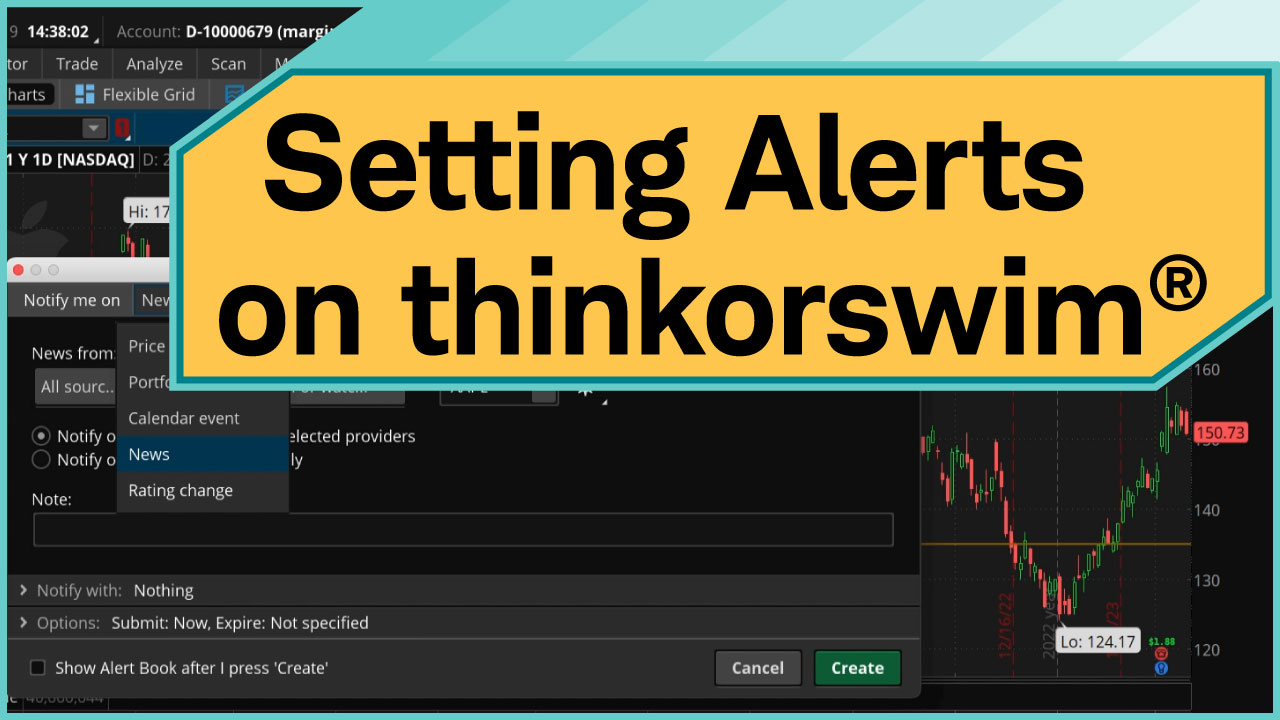
How To Set Alerts
Understand how to set price triggers and notifications using alerts.
MarketWatch Tab Overview
Stay on top of market moves using MarketWatch data, alerts, and quotes.
Charts Tab Overview
Explore customizable charts, drawing tools, and studies to sharpen your analysis.
Tools Tab Overview
Get familiar with tools for trade journaling, market news, and investor collaboration.